In the fast-paced world of digital product development, accessibility (a11y) is often relegated to a compliance checkbox, an audit performed late in the cycle, or a reactive fix when issues arise. This approach is not only inefficient but fundamentally flawed. At our studio, we advocate for a paradigm shift: accessibility as a default, not an afterthought. It is about embedding inclusive design and development practices into every stage of a project, ensuring that our digital products are usable by everyone, regardless of ability.
This article outlines a practical, opinionated approach to integrating accessibility into components, design reviews, and quality assurance. Our goal is to move beyond mere compliance and foster a culture where inclusivity is a core tenet of product excellence.
Shifting the Mindset: From Audit to Default
The traditional 'audit and fix' model for accessibility is akin to building a house and then trying to install ramps and widen doorways after the fact. It is costly, time-consuming, and often results in suboptimal solutions. A default-first approach, conversely, means considering accessibility from the very first sketch, the first line of code, and the first test case. This is not just about meeting legal requirements; it is about expanding our potential user base, enhancing user experience for all, and demonstrating ethical responsibility.
This shift requires buy-in from all stakeholders – product owners, designers, developers, and QA professionals. It is a shared responsibility, driven by clear guidelines and integrated workflows.
Building Accessibility into Design Systems and Components
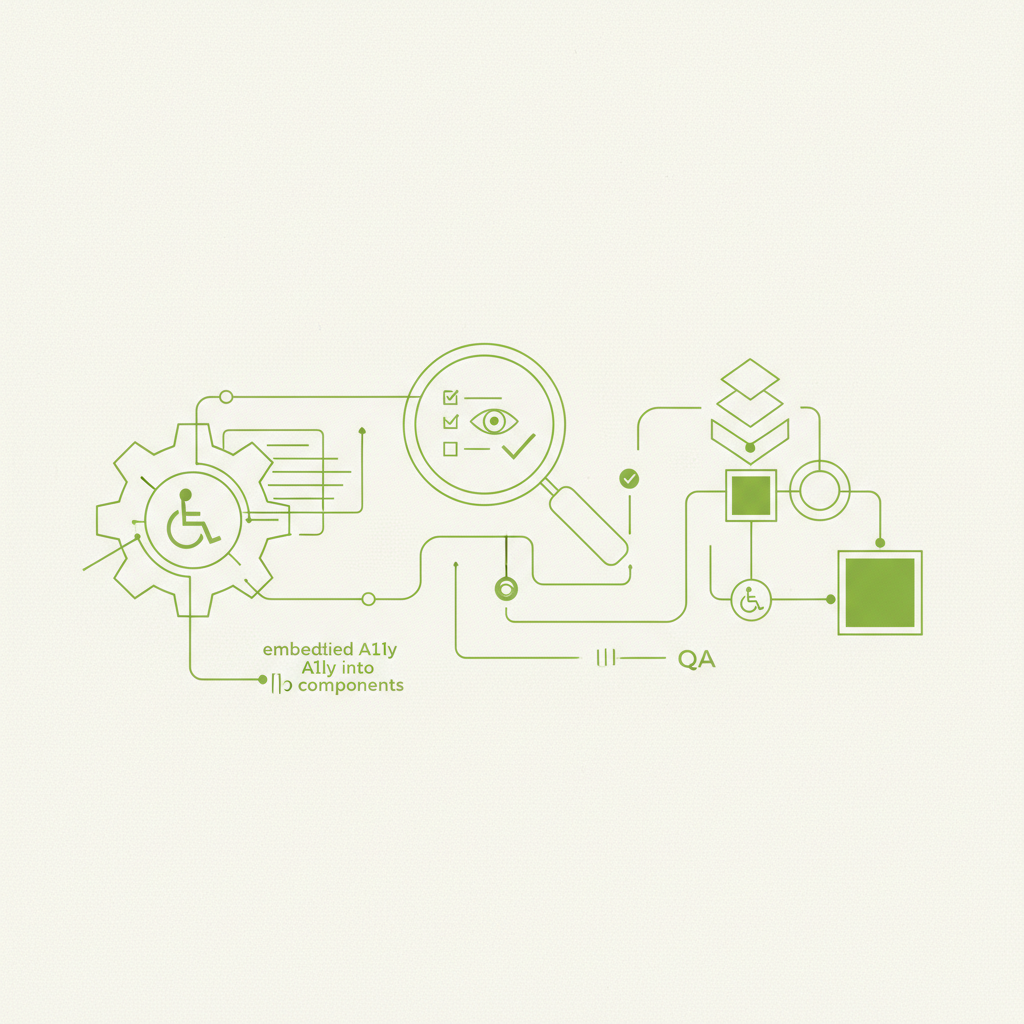
The most effective way to scale accessibility is to bake it directly into the foundational elements of our products: design systems and component libraries. When a component is designed and built to be accessible from day one, every instance of that component throughout a product inherits that accessibility.
- **Component-Level Accessibility:** Each component – buttons, forms, navigation menus, modals – must be designed and developed with WCAG guidelines in mind. This includes appropriate ARIA attributes, semantic HTML, keyboard operability, and colour contrast.
- **Documentation is Key:** For every component, detailed accessibility documentation should be available. This includes usage guidelines (e.g., when to use a button vs. a link), required ARIA attributes, keyboard interaction patterns, and known accessibility considerations.
- **Automated Testing within Components:** Integrate automated accessibility checks directly into the component's test suite. Tools like Axe-core can be run against component stories in Storybook or during unit tests, catching many common issues early.
- **Design System Guardians:** Design system teams should act as accessibility champions, ensuring that all new or updated components adhere to accessibility standards before being published.
This approach reduces the cognitive load on individual feature teams, as much of the heavy lifting for accessibility is handled at the systemic level.
Integrating Accessibility into Design Reviews
Design reviews are a crucial checkpoint for catching accessibility issues before they propagate into development. This is where designers articulate their choices and receive feedback, and it is the ideal forum for an accessibility lens to be applied.
- **Dedicated Accessibility Checklist:** Incorporate a mandatory accessibility checklist into design review templates. This prompts discussion around colour contrast, font sizes, focus states, iconography, and information hierarchy.
- **Simulating User Experiences:** During reviews, consider how a screen reader might interpret the layout, how a keyboard user would navigate, or how someone with low vision would perceive the content. Tools like colour contrast checkers should be standard during these sessions.
- **Early Input from A11y Specialists:** Where possible, involve accessibility specialists or advocates early in the design process, not just at the end. Their input can prevent costly reworks.
The goal is not to stifle creativity but to channel it through an inclusive framework, ensuring that aesthetic and functional decisions align with accessibility principles.
Quality Assurance: Beyond Functional Testing
Quality Assurance (QA) plays a pivotal role in validating accessibility throughout the development lifecycle. QA engineers should not merely check if a feature works; they must also verify that it works for *everyone*.
- **Automated Accessibility Testing in CI/CD:** Integrate automated accessibility tools (like Axe-core) into the Continuous Integration/Continuous Deployment (CI/CD) pipeline. This provides immediate feedback on new code, preventing regressions.
- **Manual Accessibility Testing:** Automated tools catch only a fraction of accessibility issues. Manual testing is indispensable. This includes keyboard navigation testing, screen reader testing (e.g., NVDA, JAWS, VoiceOver), and zoom/magnification testing.
- **User Stories for Accessibility:** Treat accessibility requirements like any other user story. For example, 'As a keyboard user, I can navigate all interactive elements on the page using the Tab key in a logical order.'
- **QA Training and Empowerment:** Provide QA teams with training on accessibility principles, WCAG guidelines, and how to use assistive technologies. Empower them to be the final gatekeepers for inclusive user experiences.
Accessibility is not a feature; it is a fundamental aspect of quality. Neglecting it is akin to shipping software that crashes frequently or has significant security vulnerabilities.
Making it a Sustainable Practice
Embedding accessibility as a default requires sustained effort and a commitment to continuous improvement. It is not a one-off project but an ongoing cultural shift. Regular training, shared knowledge bases, and advocating for inclusive practices are all vital components.
Ultimately, the argument for accessibility as a default is not just ethical; it is pragmatic. Inclusive products reach a wider audience, foster positive brand perception, and often lead to better overall design and code quality. By integrating accessibility into every step of our design and development process, we build better products for everyone, from the very beginning.
This is how we work at DesignCyclein. If your team is weighing a similar decision, DesignCyclein's design and engineering leads are happy to talk it through — reach out via the contact form below.